Product ideas stall at the asset problem: photos are flat, and proper 3D costs money. The 2D to 3D Photo Converter gives sellers a cheaper middle path, a printable relief or lithophane built from one photo, made in the browser with no upload and no account. Six ideas it unlocks for a small store.
1. Relief plaques from your own product photos
A bestseller's photo becomes a raised plaque for the shop wall, the market stall or the unboxing photo. It is decoration, not a product viewer, and that honesty matters: our AR conversion rate statistics track what interactive 3D does on product pages, which is a different job from a printed keepsake.
2. Lithophane lamps as the personalised gift line
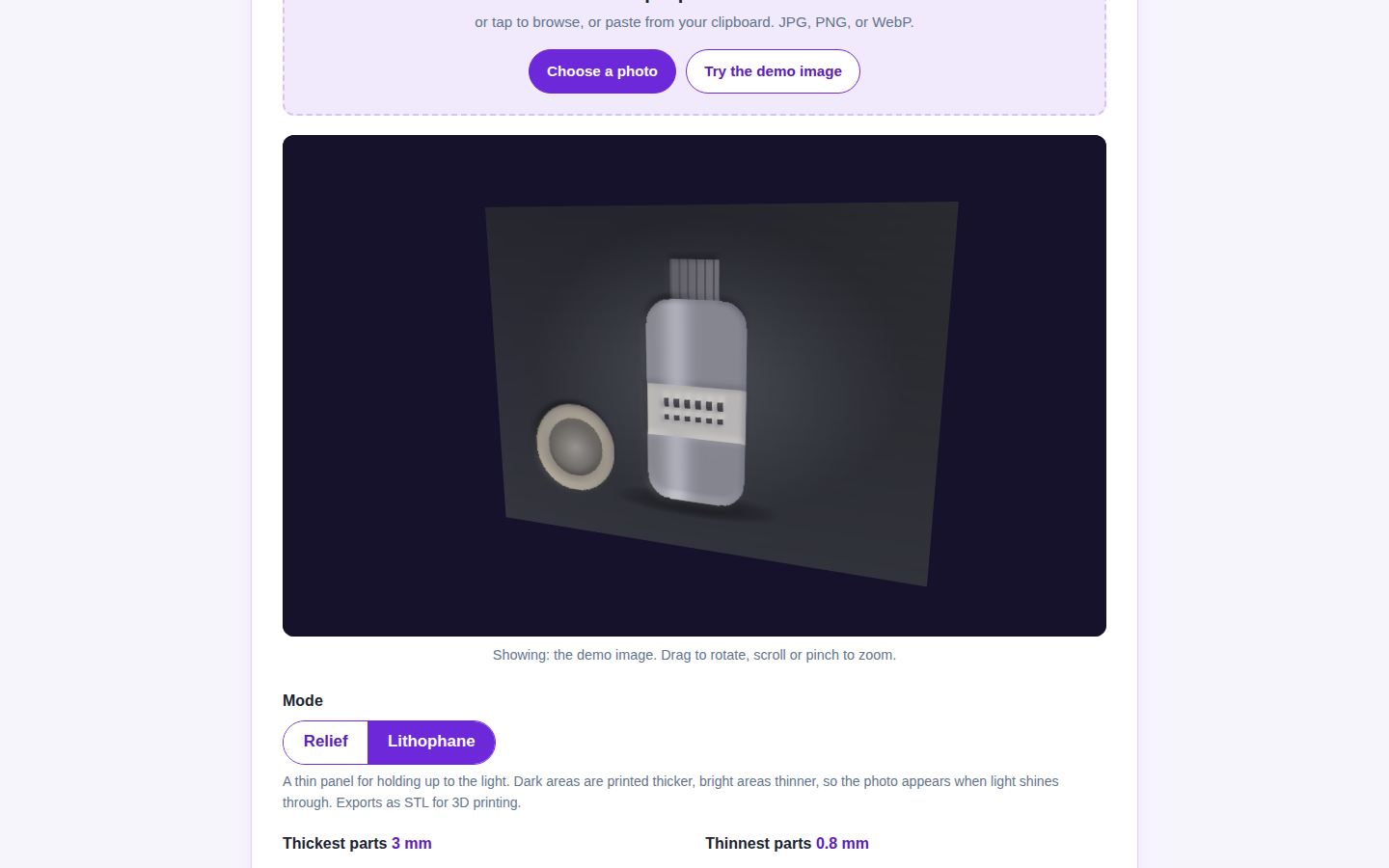
Lithophane mode turns a customer's photo into a backlit panel: pet portraits, wedding photos, a child's drawing. The panel is the product, the photo is theirs, and the converter's 0.8 to 3 millimeter range is the standard recipe. Gift personalisation is the one corner of ecommerce where a single photo genuinely is enough source material.
3. Branded medallions and packaging inserts
A logo converts cleanly because logos are high contrast, and high contrast is what a relief reads best. Print a small medallion for packaging, a relief stamp for a loyalty card, a raised version of the mark for the counter. The Shopify AR conversion lift research covers the screen side of the same branding instinct.
4. Beauty counter reliefs, next to the try-on screens
Beauty is this site's deepest cluster, from virtual try-on results to the shade wall problem. A relief of a hero product photo makes counter and shelf displays that match the campaign imagery, printed in the brand's palette of filament. It sits next to the try-on screen; it does not pretend to be one.
5. A cheap prototype before a real print run
Run the 96 detail grid first. In minutes you can see whether a photo has enough contrast to survive as a relief, where the dark areas collapse, and whether the composition still reads at arm's length, before any filament is spent on the 224 grid version. The best AR shopping apps solve the screen version of the same test: does this asset earn its place?
6. Pair the print with a spinning listing asset
Print the relief, photograph it, then feed a short photo set to the Turntable GIF Maker at Photo3DTools for a rotating listing GIF, and keep the GLB export for any store page that accepts a model file. Sellers comparing print on demand routes will also want the Before You Pay checker at SmartMediaTools and the selling guidance in the Etsy Seller Handbook. Two free exports a day covers prototyping; an email unlocks the rest of the day when a batch is due: open the converter.